How can I clear my alerts, events & entities but keep my rules and configuration?
Please see the backup and restore guide.
RightITnow says my license has expired
RightITnow ECM requires an Internet connection to validate your license — specifically, it requires a TCP connection to secure.rivermuse.com on port 443 (HTTPS). If a connection cannot be established, RightITnow ECM may report that your license has expired.
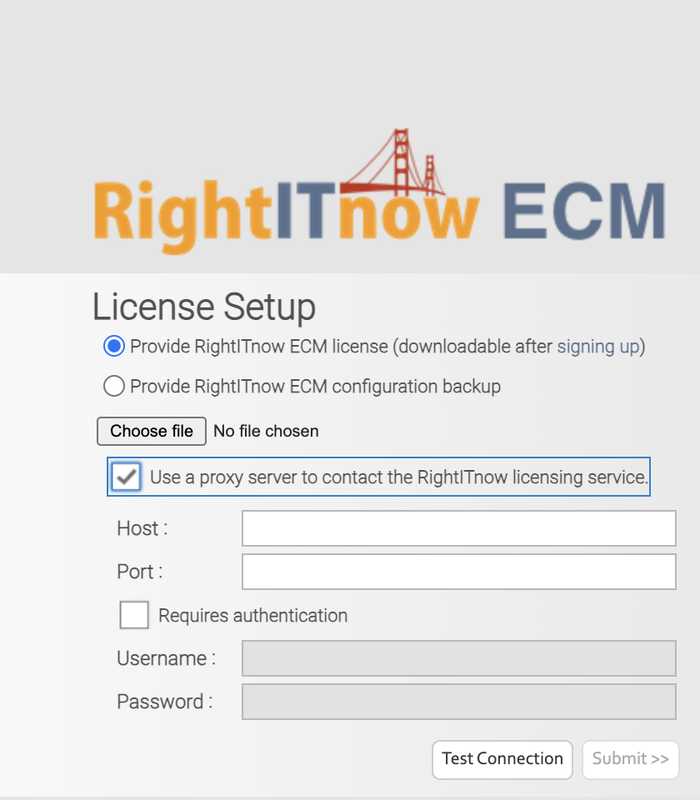
RightITnow ECM can be configured to use a proxy server for license validation by ticking the “Use a proxy server to contact the RightITnow licensing service” checkbox.
If an Internet connection is unavailable or your license has actually expired, please contact trial@rightitnow.com for further advice.